Your listing is invisible because you do not know who you are competing against. A comp set analysis shows you the 5–10 listings stealing your bookings and exactly what they are doing differently. This takes 30 minutes and will tell you why your views are not converting.
Before You Start
- Your listing URL and current search ranking position for your primary search term
- Access to Airbnb search results in an incognito browser window to see unbiased rankings
Step 1: Search as Your Guest Would
Open incognito mode. Search your city, your dates, your guest count. Scroll through the first 20 listings. Screenshot the grid. These are your competitors. Your listing should be in this set. If it is not, your ranking problem is severe.
Pro tip: Search on mobile app and desktop separately because Airbnb shows different results on each platform and mobile drives 64% of bookings.
Common mistake: Searching while logged into your host account which skews results and hides your true ranking position.
Time: 5 minutes
Step 2: Identify Your True Competitors
From the 20 results, pick the 5–7 listings that match your property type, bedroom count, and are priced within 20% of your rate. Ignore everything else. These are your comp set. Write down their listing IDs or save the URLs.
Pro tip: If most comps are Guest Favorites and you are not, that badge gap is costing you 15–30% of potential bookings in that search position.
Common mistake: Comparing yourself to listings with different bedroom counts or property types which gives you useless data and wrong conclusions.
Time: 5 minutes
Step 3: Audit Cover Photos and Titles
Open each comp listing. Look at their cover photo and title. Count how many have: exterior shots, lifestyle staging, bright natural light, titles with unique selling points or location callouts. Compare to yours. The click happens or dies here — the 12-item photography audit goes deeper on this step.
Pro tip: Listings with exterior cover photos showing curb appeal or views consistently rank higher because they signal property quality before the click.
Common mistake: Using interior-only cover photos when your exterior or view is your strongest asset and would differentiate you in the grid.
Time: 7 minutes
Step 4: Compare Amenity Counts and Guest-Favorite Features
Scroll to the amenities section of each comp. Count total amenities listed. Note which ones appear in every top performer: EV charger, workspace, fast wifi speed, coffee maker type, parking details. Add the gaps to your listing today.
Pro tip: Listings with 40+ amenities rank significantly higher than those under 30 because Airbnb’s algorithm treats completeness as a quality signal.
Common mistake: Listing generic amenities like wifi and parking without specifying speed, type, or quantity which makes you invisible in filtered searches.
Time: 8 minutes
Step 5: Document Pricing Gaps and Review Velocity
Record each comp’s price for your search dates. Calculate the average. Note how many reviews each has in the last 90 days. If your price is 10%+ above the comp set average and your review velocity is slower, you have a conversion problem not a visibility problem.
Pro tip: Review velocity matters more than total count for algorithm ranking because recent reviews signal active booking momentum and listing relevance.
Common mistake: Pricing 20%+ above comp set without Guest Favorite badge or Superhost status to justify the premium which kills your conversion rate.
Time: 5 minutes
What You Will Find
You will know your exact ranking position, who is outranking you, and the 3–5 specific gaps in photos, amenities, or pricing causing your low conversion. Most hosts find 2–3 quick fixes worth 10–20% more visibility within 48 hours.
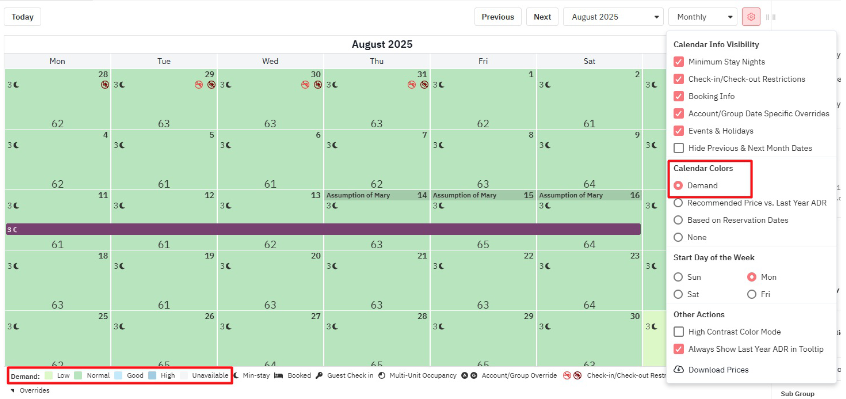
A comp set analysis is a snapshot — comp sets move weekly. Our revenue management service monitors your comp set nightly and re-prices around it, and the client calendars show the result.