You updated your photos. You wrote a description. You filled in the basics. And your listing still sits on page four. The problem is not your effort. It is the data you left blank.
The Algorithm Reads What You Did Not Write
Airbnb’s search algorithm processes 800+ signals every time a guest runs a query. Amenity fields, accessibility tags, house rules, neighborhood descriptions, and property type subcategories all feed that ranking engine. When you leave a field blank, the algorithm does not assume the best. It scores that field as a zero.
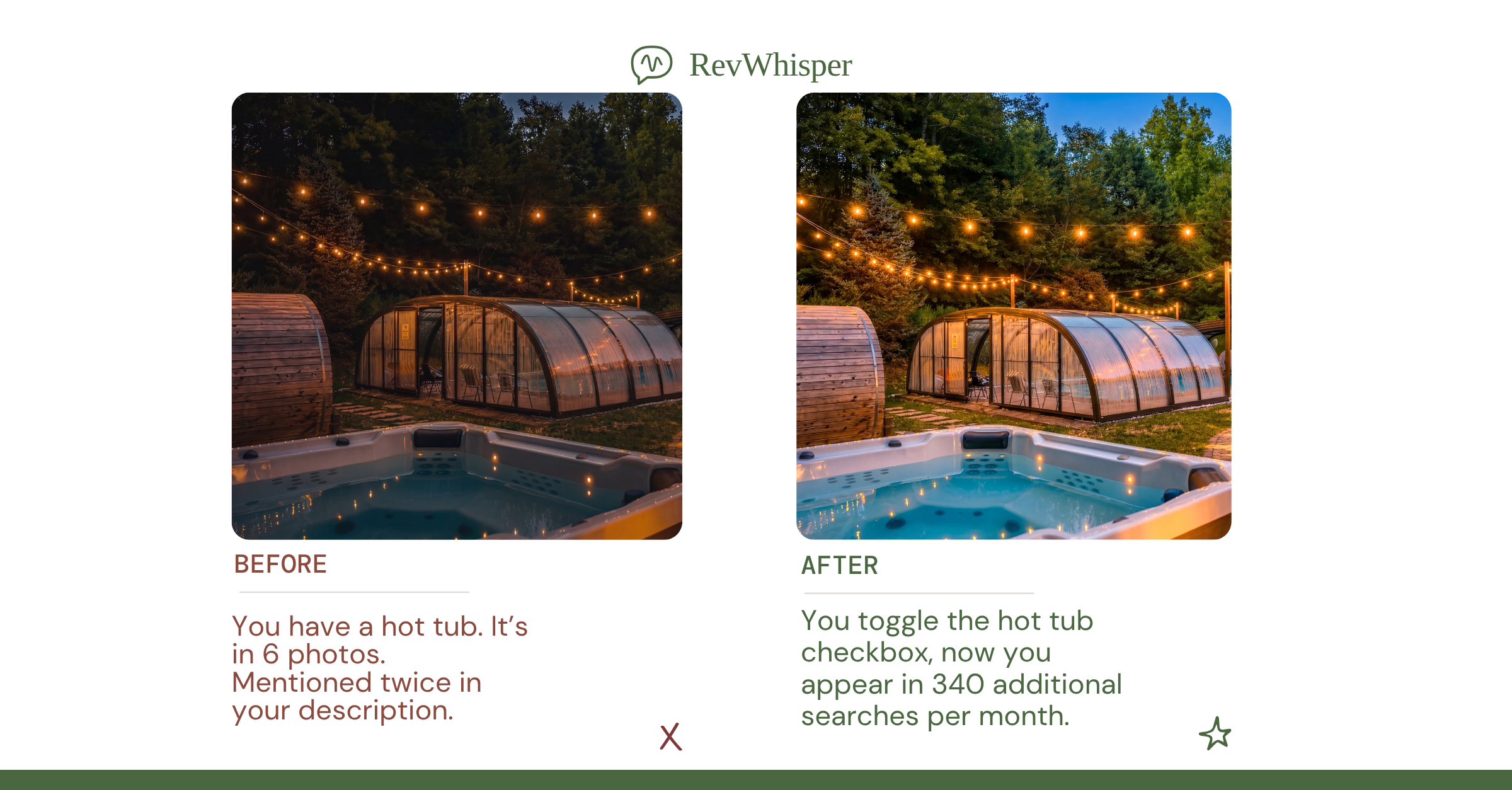
A listing missing 20 amenity checkboxes is not neutral. It is actively penalized against listings that completed those fields, even if you physically have those amenities in the property. The algorithm cannot see your kitchen. It can only read your data.
Every blank field is a zero-point signal that pushes your listing down in ranked search results.
Your Cover Photo Is Your Click-Through Rate
64% of all Airbnb nights booked in Q4 2025 came through the app. On a mobile screen, your cover photo is the entire first impression. It occupies roughly 70% of the visible listing card. Guests do not read your title first. They react to your photo first.
A dark, cluttered, or poorly framed cover photo collapses your click-through rate before a single word is read. Low click-through rate signals weak demand to the algorithm, which responds by reducing your search visibility further. The photo problem is not aesthetic. It is a ranking problem that compounds every day your cover photo underperforms.
Low click-through from a weak cover photo tells the algorithm your listing has low demand, triggering a visibility reduction.
Titles and Descriptions Are Indexable Real Estate
Your listing title is 50 characters of searchable, rankable content. Most hosts use those 50 characters to describe the obvious: “2BR Apartment Near Downtown.” That title tells the algorithm nothing differentiating and tells the guest nothing compelling.
High-performing titles lead with the experiential outcome: what the stay feels like, what makes it different, and what specific guest need it solves. Descriptions follow a parallel logic. The first three lines appear before the “Read More” fold. Those three lines are your conversion window.
Hosts who bury the most relevant details in paragraph four are losing bookings to listings that answered the guest’s question on the first screen. Airbnb’s AI-powered search, currently in testing, will amplify this gap further as natural language trip discovery begins matching listing content to conversational guest queries.
The first three lines of your description are your conversion window. What you put there determines whether guests keep reading or bounce.
Guest Favorite Status Is an Amenity Completeness Story
500 million nights have been booked at Guest Favorite listings since the badge launched. That is not a coincidence. Guest Favorite status correlates directly with listing completeness, review velocity, and content quality — the same signals the algorithm weights most heavily.
Hosts chasing the Guest Favorite badge by focusing only on reviews are solving half the equation. The badge reflects a complete data profile: amenities checked, descriptions filled, photos optimized, and review scores sustained.
A listing missing 15 amenity fields that it actually has — like a hair dryer, iron, or dedicated workspace — is losing Guest Favorite eligibility on criteria it already meets in the physical property. That gap costs an average of $21,200 per year in lost revenue relative to professionally optimized listings.
Guest Favorite listings win on completeness and consistency, not just star ratings. Missing amenity data disqualifies you from a badge you already physically qualify for.
Key Takeaways
- Audit every amenity checkbox — open your listing right now and count every amenity you have but have not checked. Each unchecked box is a ranking signal you are forfeiting.
- Rewrite your title for differentiation — does it tell a guest what the experience is, or does it just describe the property type? Rewrite it if it does the latter.
- Optimize your cover photo for mobile — it needs to win on a 375-pixel-wide screen in under two seconds — start with the 12-item photography audit. If it doesn’t, your click-through rate is suppressing your search rank every single day.